
Adjustments
An adjustment is a manual change to a player’s banked points on a specific item. Reserves and wins are the normal way balances move; adjustments are for everything else — a no-show penalty, a goodwill bump, fixing an officer’s typo, layering in a buff penalty that wasn’t auto-captured.
The math:
balance(player, item) := balance + delta (delta can be negative)
That’s all. An adjustment is just another event in the running history; the points page renders it inline with the surrounding reserves and wins.
When to reach for one
The four common situations:
No-show penalty. A reserver didn’t show up for the raid where their item dropped. Penalize them so they can’t sit out next week and still outrank tonight’s attenders. -5 on the item they reserved is the default move.
Goodwill bump. A trial got passed over twice because regulars outranked them. Officer-led one-off bump to keep them coming. +10 on the item is generous; +5 is fine.
Officer mistake. You imported the wrong CSV, clicked the wrong Track button, or double-fired a Step 3 import. Adjustments let you walk things back without surgically deleting events. Negative the over-credit, positive the under-credit.
Hand-rolled buff penalty. If your group doesn’t use the JustAPoint addon’s automatic buff rules, but you still want to penalize raiders who pulled without a flask, log it as a -5 adjustment.
If you find yourself adjusting more than once or twice a week, something else needs fixing — either your tracked list is wrong, or your group has unwritten rules that should be encoded as buff rules.
Create one
Adjustments in the top nav opens the per-player view. Search a player, pick the item from their banked list, type a delta and a reason, click Apply.
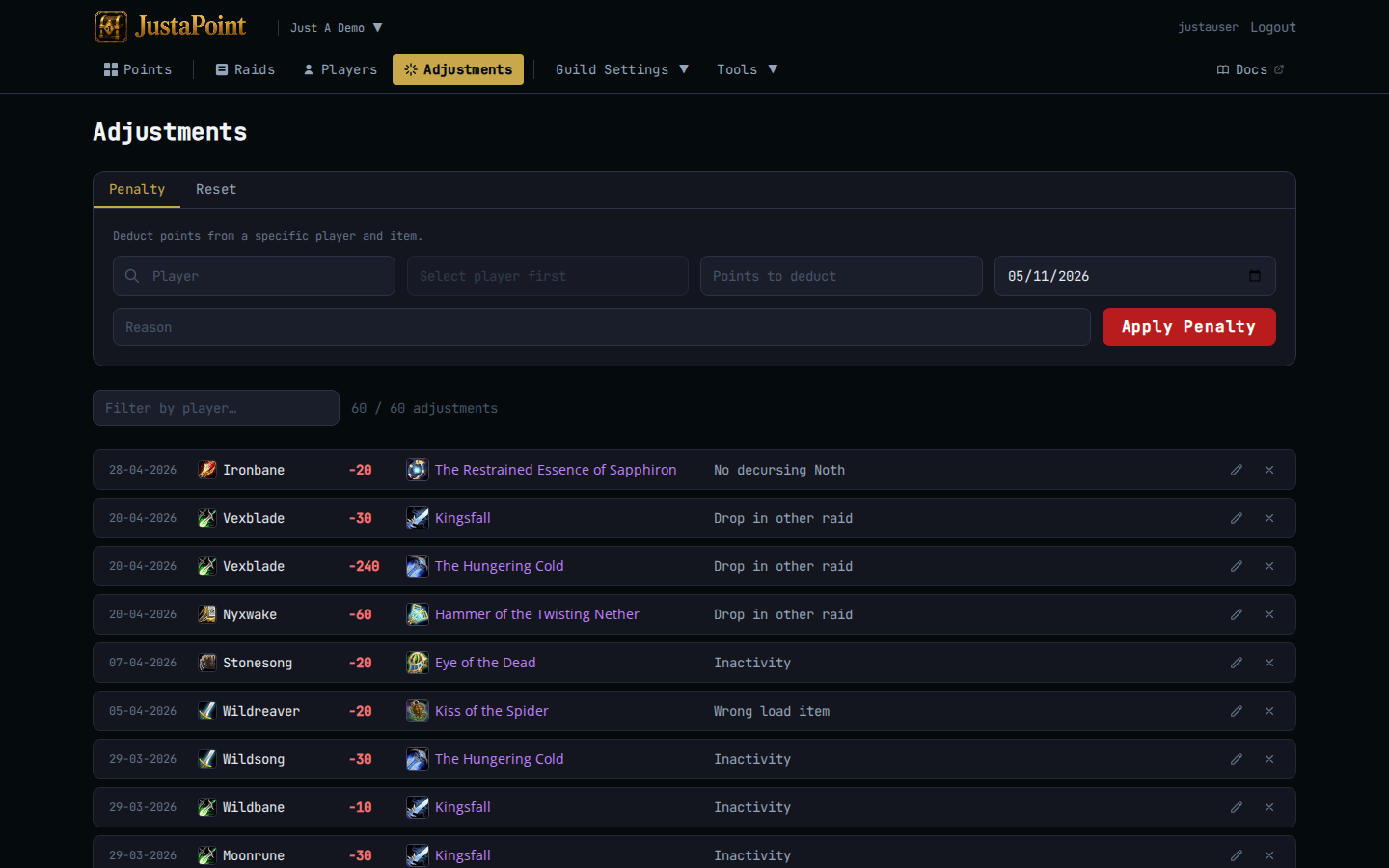
The reason is mandatory and surfaces in the player’s history popup later, so write it for the raider’s eyes, not just yours. “Missed Songflower at Ragnaros” beats “penalty”; “Reset for trial period 2026-04” beats “fix”.
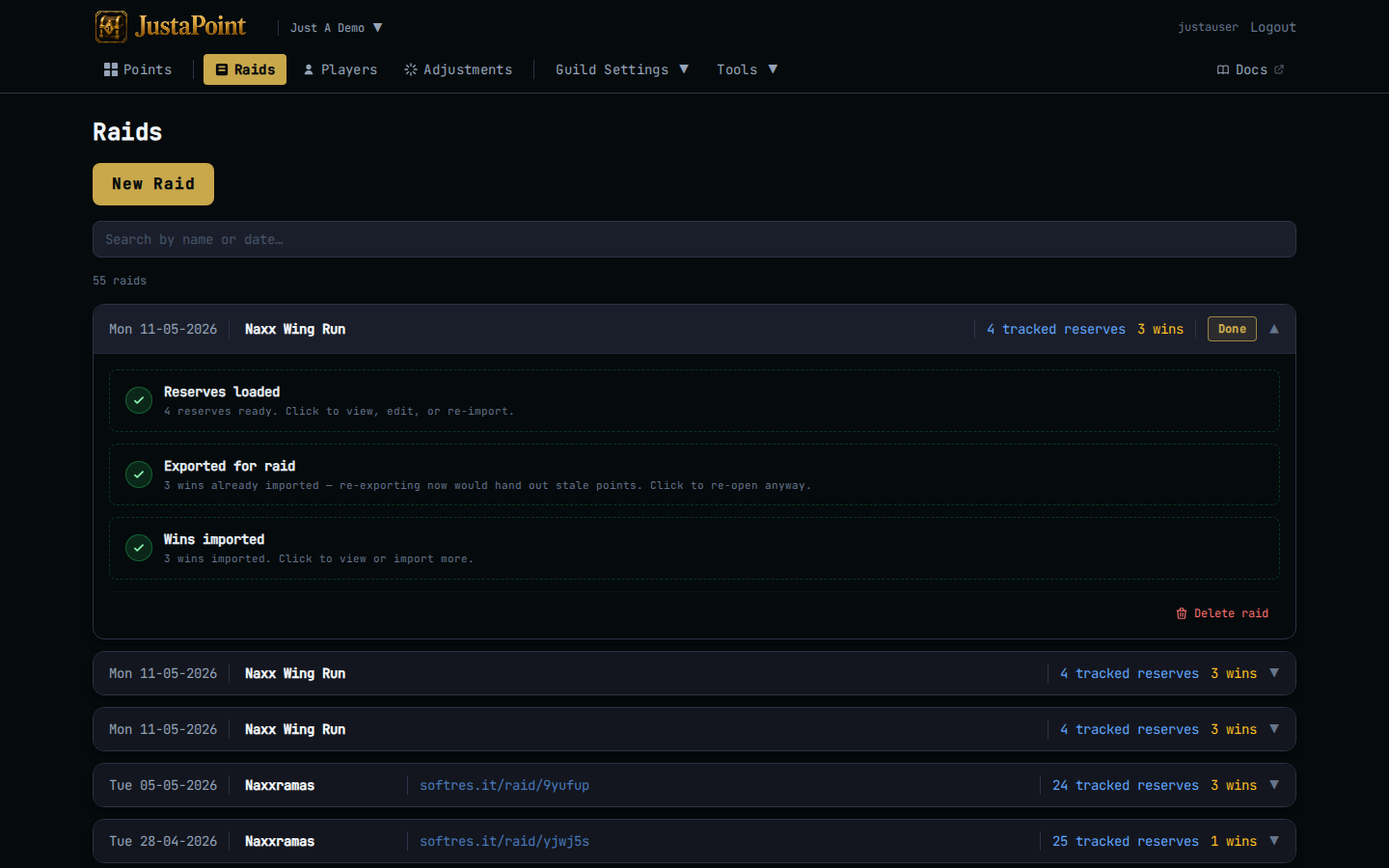
For the no-show case there’s a faster path: on the raid’s reserve list, hover a row and click the Add penalty icon. The penalty pre-fills with the right player and item — just pick the delta and write the reason.
What lands
An ADJ event on the guild’s adjustments table, with:
playeranditem_name— the target.points— the signed delta.reason— your free-text note.created_at— timestamp.
The points page reads ADJ events the same way it reads SR and WIN events — they walk the running balance in chronological order. The history popup shows the delta with your reason next to it.
Heads up: adjustments are NOT tied to a specific raid. They live on the guild. If you want a penalty tagged to “this happened in last week’s raid” the reason field is where you say so.
Reverse one
You can’t edit an adjustment in place — that would rewrite history quietly. Instead, apply an equal-and-opposite second adjustment with a reason that explains the reversal. “Reverse 2026-04-22 penalty — found Songflower in logs”.
Both rows stay in the audit trail; the points page math nets to zero on that item. The history popup makes the reversal visible to anyone auditing.
Adjustments and the cap
The cap still applies. Trying to apply +10 to a player who’s at 25 with cap=30 lands them at 30, not 35. The opposite holds for the floor — a negative adjustment can’t drop a balance below zero. If you need to clear a balance entirely use a delta that hits zero exactly, or import a win on that item if a win is what actually happened.